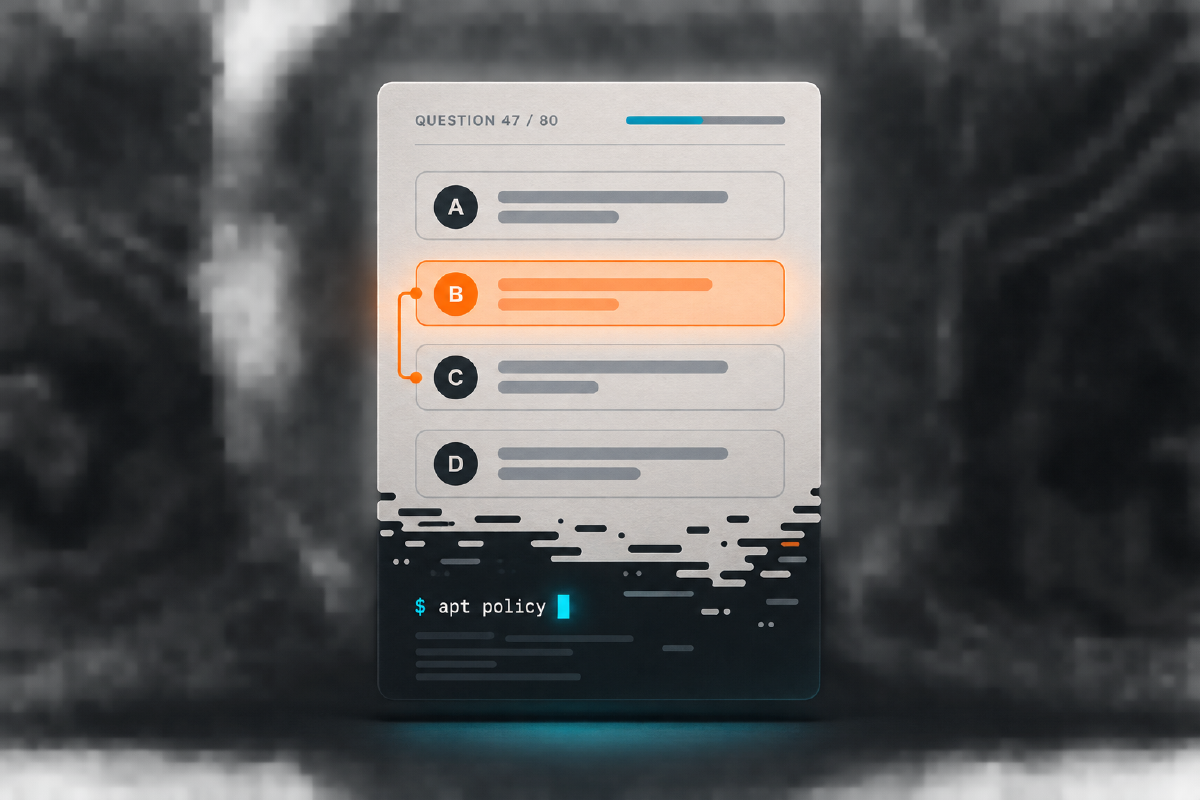

I expected a friendly multiple-choice exam about the Linux distribution I already used. What I found was a highly effective audit of every vague assumption I had ever made about Debian package management.
When I signed up for the Kali Linux Certified Professional (KLCP) exam, I thought I had a pretty good idea of what I was getting myself into.
It was Kali Linux. I used Linux. I had already completed CompTIA Linux+.
How bad could it be?
Well.
Kali Linux exam? More like Debian Package Manager exam.
I mean that with love. Mostly.
KLCP became my second OffSec certification after OSCC-SEC. It also earned a less flattering distinction: it is the only OffSec certification exam I have taken so far that I did not pass on my first attempt.
The reason was not an obscure pentesting technique. It was not buffer overflows, Active Directory or cryptography.
It was Linux. Very, very detailed Linux.
First: What Is the KLCP?#
KLCP is based on the PEN-103 / Kali Linux Revealed material. Unlike the practical exams usually associated with OffSec, it is a browser-based multiple-choice examination.
At the time of writing, the official OffSec exam guide specifies:
80 questions
90 minutes
ClassMarker browser platform
Proctored examination
Immediate result after submission
There is no target network waiting to be compromised. There is no 24-hour lab. You sit down and answer Linux questions for 90 minutes.
How relaxing.
That description also hides the central trap. This is not a certification about knowing how to launch Nmap from Kali. The Kali project describes Kali Training as the official body of knowledge for the distribution, extending from installation requirements to advanced customization and even kernel recompilation. OffSec’s original KLCP announcement is equally direct: the focus is the Kali Linux platform itself, not the offensive tools installed on top of it.
The Confidence Trap#
Linux+ helped me enormously. Filesystems, permissions, processes, users and services were already familiar. Commands such as these were not intimidating anymore:
cd
grep
find
chmod
chown
ps
systemctl
That familiarity created a dangerous amount of confidence.
My mental model of package management was basically:
sudo apt update
sudo apt install something
sudo apt remove something
Congratulations. Linux administration.
Then PEN-103 effectively asked:
You know Linux? Excellent. Now explain precisely how Debian packages move through their lifecycle.
Suddenly apt install was the least interesting part of package management.
Welcome to the Debian Package Manager Exam#
The material treats package management as a system of interacting layers:
Repository metadata
        ↓
APT policy and candidate selection
        ↓
Dependency resolution and retrieval
        ↓
dpkg package state transitions
        ↓
Maintainer scripts and configuration files
        ↓
The installed system
That model matters because APT and dpkg are not interchangeable. APT reasons about repositories, candidates and dependencies. At the lower layer, dpkg manipulates Debian package files and the local package database. Maintainer scripts and conffile rules add another lifecycle beneath the command you typed.
The difficult questions were no longer merely:
What does this command do?
They became:
Which layer owns this decision?
Why was this version selected?
What state is the package in now?
Which configuration survives an upgrade?
What runs before and after unpacking?
What can repair a partially configured system?
At some point during my first attempt, I remember thinking:
Bro. I came here to learn Kali Linux. Why do I feel like I am applying for a job maintaining Debian?
The First Attempt#
The first attempt did not go well.
I had mentally categorized KLCP as one of the easier certifications on my list: multiple choice, introductory Linux and a topic I already used. The concepts were rarely impossible. There were simply many details, and recognition was not enough.
“I have seen that before” is comforting while reading a book. It is almost useless when four answers differ by one precise responsibility, lifecycle state or priority rule.
My first attempt exposed the exact gap:
High-level familiarity ≠ operational understandingPackage management destroyed me because I knew the commands but not always the machinery behind them.
Kali Beyond the VM#
Before PEN-103, my Kali deployment strategy was sophisticated:
Download image → create VM → start Kali → hack thingsThe training forces a broader view of Kali as a distribution that can be installed, recovered, transported and customized in many ways:
- traditional and virtual-machine installations;
- live systems and persistent USB deployments;
- encrypted persistence;
- custom Kali images;
- automated and network-based installations;
- custom packages and repositories.
This was one of my favorite parts. Kali stopped being “the VM with Burp Suite and Metasploit” and became a flexible Debian-based operating system whose deployment model I could actually reason about.
The chroot Moment#
Another concept that kept exposing the difference between recognition and understanding was chroot.
I knew the command existed. That was not the same as understanding a recovery workflow.
A useful mental model is:
Boot a working Linux environment
              ↓
Mount the target root filesystem
              ↓
Make /proc, /sys, /dev and DNS available
              ↓
Enter the target with chroot
              ↓
Repair packages, boot files or configuration
The target filesystem has not magically become a complete running system merely because it is mounted. Tools inside the chroot may need process information, devices, kernel interfaces and name resolution. The Debian chroot documentation demonstrates the bind mounts and preparation that make the environment useful.
That pattern connected installation, recovery and customization in a way that memorizing a single command never had.
How I Changed My Preparation#
After failing, I stopped asking whether a topic looked familiar. I started asking:
Could I explain this correctly without the book open?
For package management, I built relationships rather than flashcards:
Where does the candidate version come from?
        ↓
How do pin priorities change the decision?
        ↓
Who resolves and downloads dependencies?
        ↓
Who unpacks and configures the package?
        ↓
What happens to local configuration?
        ↓
What state remains after remove or purge?
For installation and recovery, I asked what every mount changed, which filesystem I was operating on and which changes would survive a reboot.
That was far more effective than memorizing another pile of isolated commands.
The Debian Package Manager Boss Fight#
The following questions are intentionally difficult. Each is an original scenario derived from public Debian documentation. Choose the best answer, then inspect the explanation before continuing.
The Debian Package Manager Boss Fight
The installed version of netprobe is 4.0 with priority 100. A repository offers version 4.2 at priority 990, while a deliberately pinned repository offers version 3.8 at priority 1001. Without naming a version explicitly, what will APT select?
After dpkg -i analyst-ui.deb, the package is unpacked but not configured because a dependency is missing. The dependency exists in the configured repositories. Which action best repairs the package state?
dpkg --configure -a is useful once required dependencies are present, but it cannot fetch the missing package itself. Debian apt-get manual: --fix-brokenA registered package conffile was changed locally. An upgrade also ships a different maintainer version. Without a preconfigured noninteractive policy, what behavior should you expect?
A damaged system's root filesystem is mounted at /mnt from live media. You need package tools inside a useful recovery chroot with process, device, kernel and DNS access. Which workflow is the best foundation?
A package appears in dpkg-query with state rc. The administrator now runs apt purge. Which statement is the most accurate?
rc display represents removed binaries with residual configuration. Purge removes the package's registered configuration as well. It is not a universal data-erasure mechanism: data created by users or the running application may fall outside package management. Debian FAQ: remove and purgeAttempt Number Two#
Eventually, I went back.
Same certification. Same Debian packages waiting for me. This time I understood what the exam expected, and I passed.
It felt disproportionately good for a 90-minute multiple-choice exam—probably because I had underestimated it so badly. There is something particularly satisfying about failing, identifying exactly why you failed and returning after repairing that weakness.
Mine had a name: Debian package management.
We are friends now. Mostly.
What Changed for Me#
KLCP did not turn me into a Linux kernel wizard. It did replace an incomplete mental model.
Before:
Kali = pentesting VM + many security toolsAfter:
Kali = Debian-based operating system
     + package ecosystem
     + repositories and policy
     + installation and live environments
     + recovery and customization
     + system administration
     + security tooling
That is a much healthier way to operate the platform.
Would I Recommend It?#
Yes—especially if you use Kali regularly but learned through a cycle of copying commands until the tool worked.
The knowledge remains valuable even if you never sit the examination. Kali makes the training material and practice environment publicly available, so the course can function as a structured operating-system deep dive rather than only an exam prerequisite.
For someone completely new to Linux, I would establish fundamentals first. Linux+ made parts of my preparation easier. Just do not repeat my mistake and translate:
I know Linux basics.
into:
Therefore I know Kali Linux Revealed.
Those are different claims.
What I Would Focus On#
If I prepared again, I would prioritize these connected systems:
| Foundation | Kali operations | Debian machinery |
|---|---|---|
| Filesystems and permissions | Installation methods | APT and dpkg responsibilities |
| Processes and services | Live and persistent media | Package states and lifecycle |
| Boot and recovery concepts | chroot workflows | Repositories and priorities |
| Troubleshooting method | Custom images | Configuration and maintainer scripts |
And especially: do not underestimate package management.
Read those chapters. Build a disposable VM. Change repository policy. Inspect packages. Break dependencies safely. Repair them. Observe which configuration survives. Make the system prove the model in your head.
Final Thoughts#
KLCP was supposed to be the relaxing one: a small multiple-choice Linux certification between the more technical OffSec challenges.
Instead, it became the first OffSec exam I failed—and I am glad it did.
If I had scraped through on the first attempt, I might have moved on with a superficial understanding of several topics. Failure forced me to return and learn the machinery.
After roughly 60 to 100 hours of preparation, one failed attempt and far more Debian package-management knowledge than I expected to possess, I passed the Kali Linux Certified Professional exam.
So if someone asks what KLCP is like, my answer is simple:
It is a Kali Linux exam. Just make sure you are ready for the Debian Package Manager exam hiding inside it.